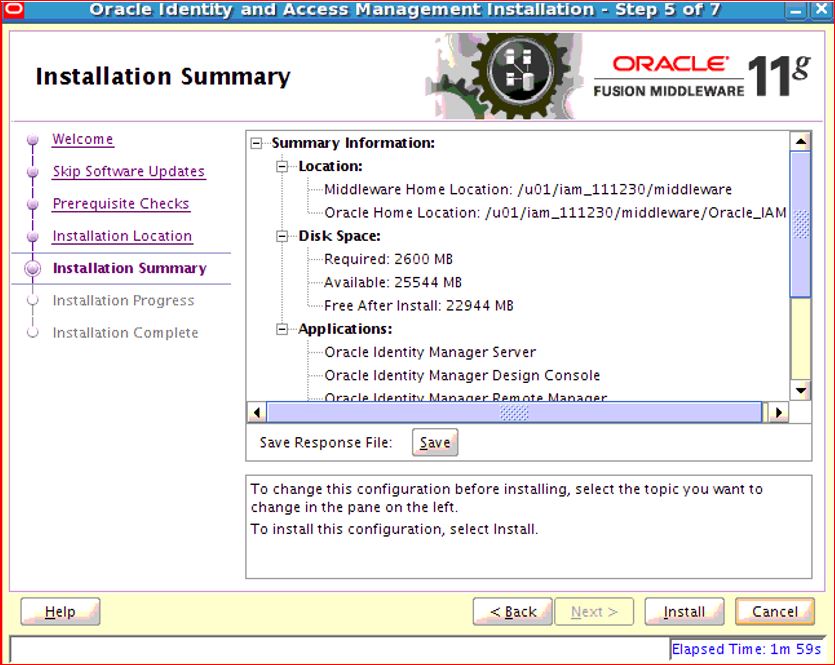
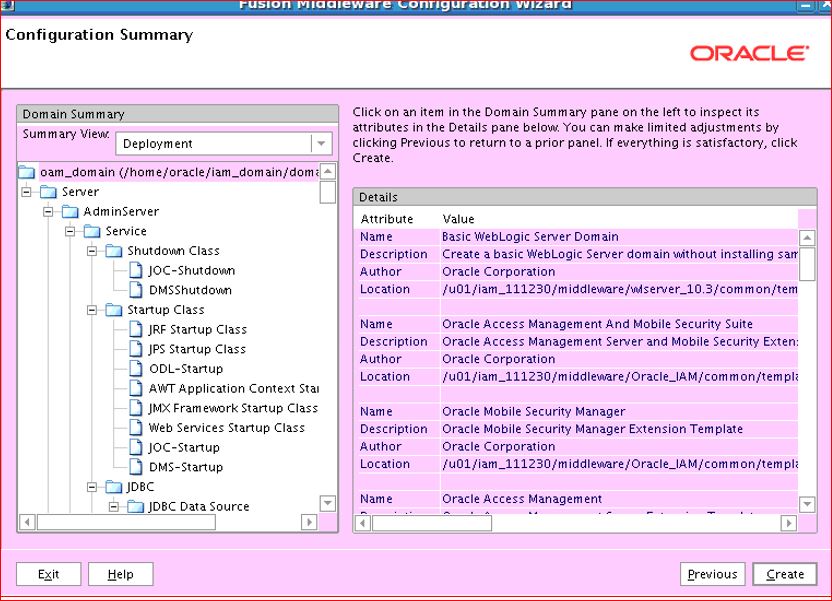
OHS 12c Webgate Deployment and configuration with OAM 12c ( 12.2.1.3.0)
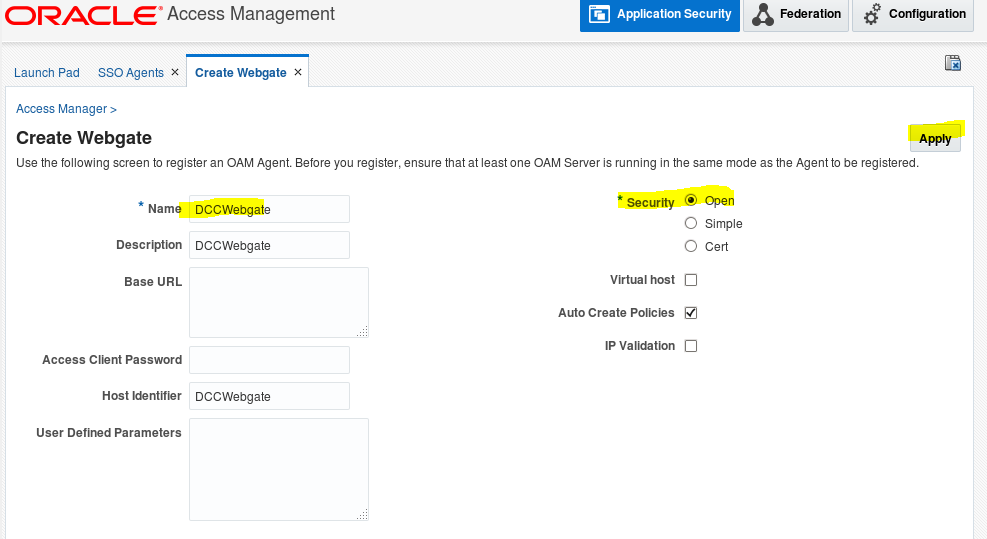
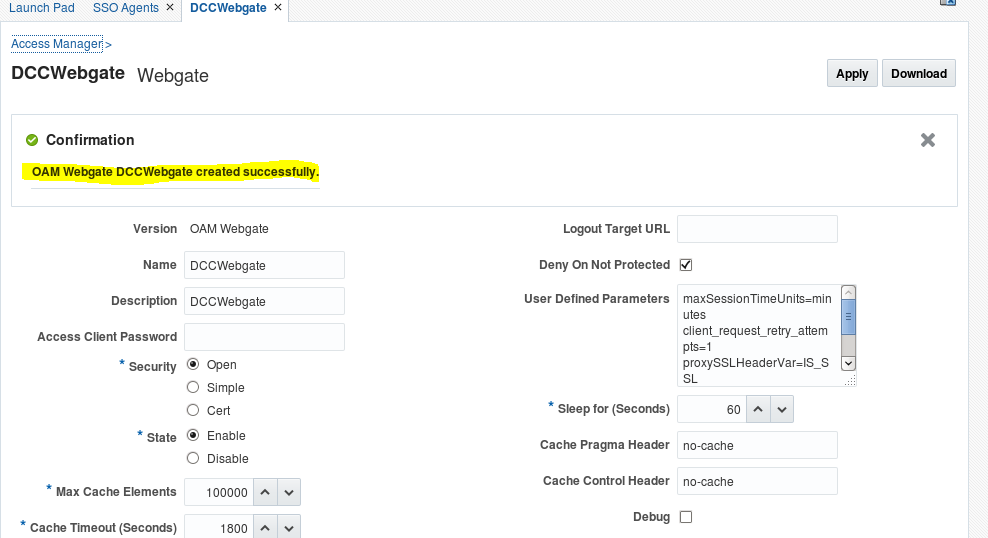
- Login to oamconsole -> Application Security -> SSO Agents -> create Webgate
- Make sure the HTTP 12c Server is configured and installed
Just for the reference if not already installed:
- Deployment of Webgate
Since OHS 12c, the OAM Webgate gets shipped along with the OHS installers so no need to install a separate Webgate binary.
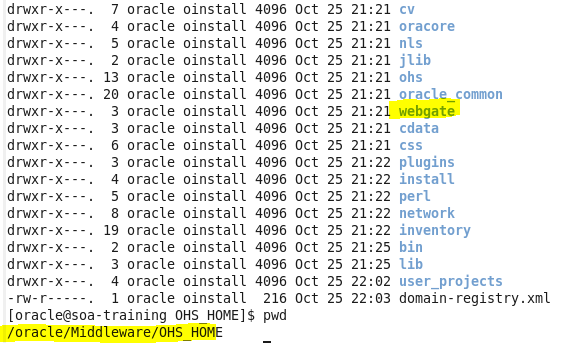
Run the following command in-order to deploy the webgate:
Cd /oracle/Middleware/OHS_HOME/webgate/ohs/tools/deployWebGate
./deployWebGateInstance.sh -w /oracle/Middleware/OHS_HOME/user_projects/domains/ohs_domain/config/fmwconfig/components/OHS/instances/OHS_Instance1 -oh /oracle/Middleware/OHS_HOME/

- Configure Webgate :
Run the following command:
export LD_LIBRARY_PATH=$LD_LIBRARY_PATH:/oracle/Middleware/OHS_HOME/lib
cd /oracle/Middleware/OHS_HOME/webgate/ohs/tools/setup/InstallTools/
./EditHttpConf -w /oracle/Middleware/OHS_HOME/user_projects/domains/ohs_domain/config/fmwconfig/components/OHS/instances/OHS_Instance1 -oh /oracle/Middleware/OHS_HOME/

- Copying the OAM Artefacts to the Webgate :
Copy cwallet.sso and ObAccessClient.xml file from “/oracle/Middleware/Oracle_Home/user_projects/domains/oam_domain1/output/DCCWebgate” to “/oracle/Middleware/OHS_HOME/user_projects/domains/ohs_domain/config/fmwconfig/components/OHS/instances/OHS_Instance1/webgate/config/” location

- Restart OHS server instance:
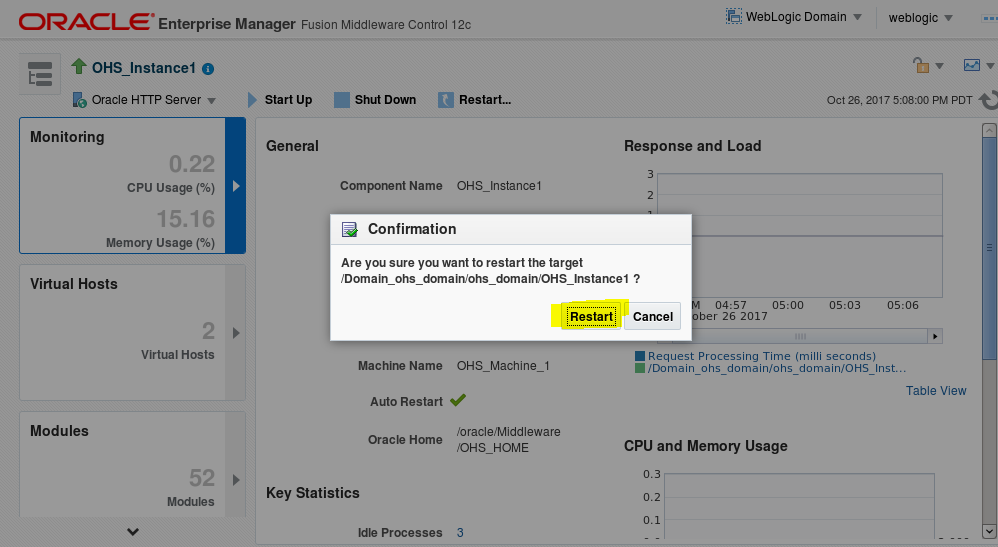
- Try to access OHS index.html, the default OAM login page should get displayed
http://<<ohs_hostname>>:7777/index.html
Enter your weblogic credentials for the OAM SSO

Result:

The basic SSO has been configured in between the OHS12c and OAM 12c ☺